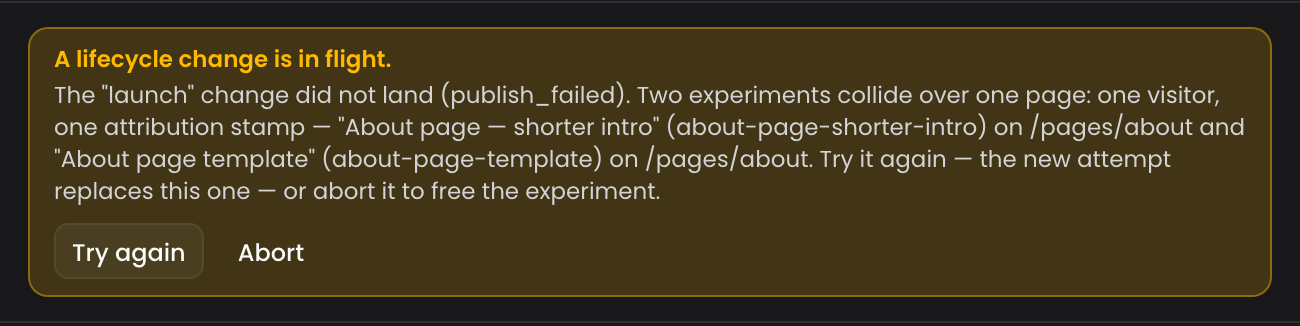
A new version editor
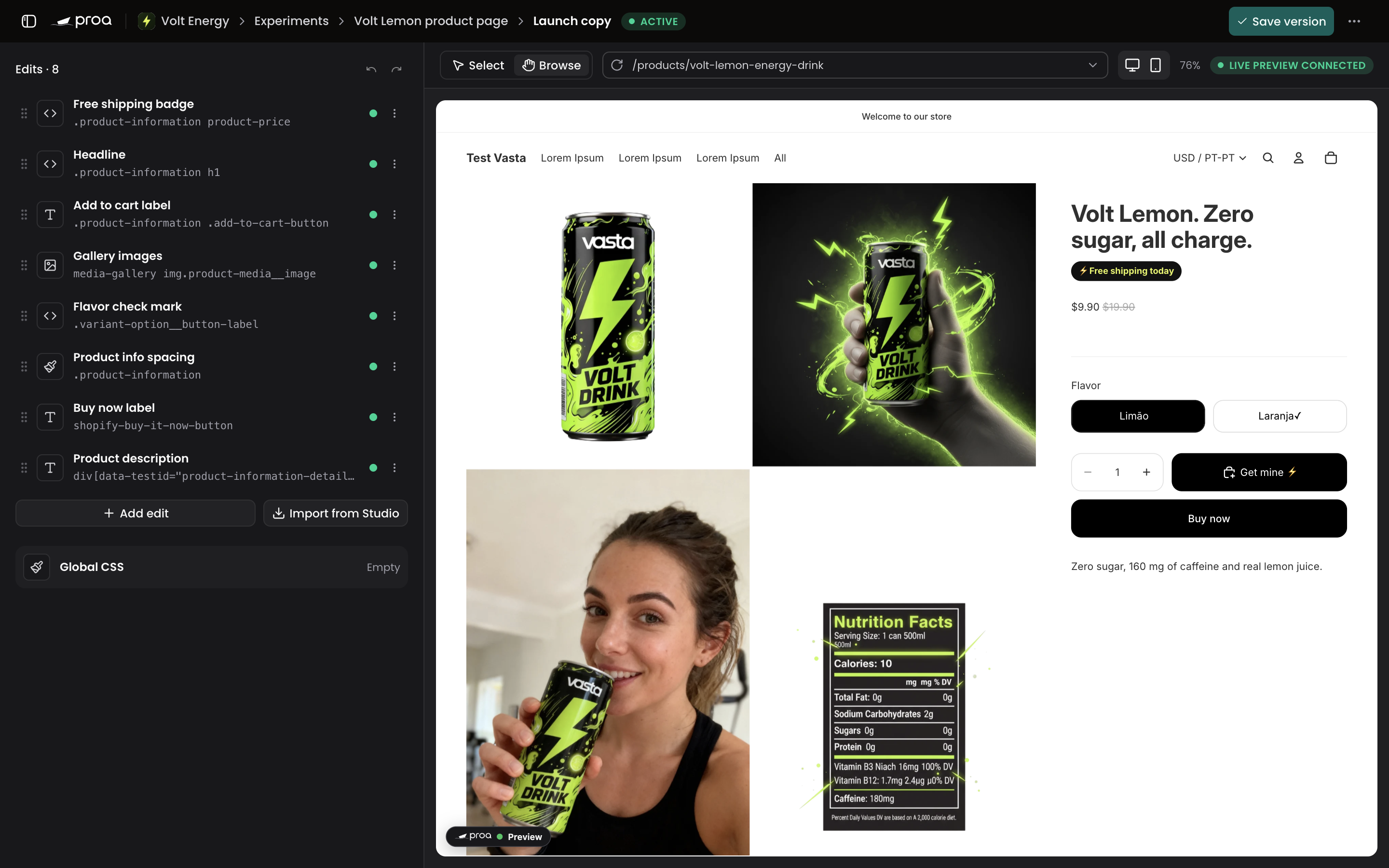
The version editor gives your store most of the screen and opens each edit in place of the list. Tests and customizations get new pages to match.
A new version editor
The version editor is where you change what a customization or a variant shows on your store. Open the editor now fills the window, with your edits on the left and your store on the right.
Your store keeps its desktop layout even in a narrow panel, scaled to fit. Type a path in the store bar to open another page. Save version sits at the top.
Edits
Edits lists every change in the version. Click one and it opens in place of the list, with Edits to go back and arrows for the next one. Drag a row to reorder it. Its menu has Hide in preview, Duplicate and Delete.
Every edit has the same layout: name and type at the top, then the element, the content and Keep this edit if the page redraws. Apply to all matches is now under Advanced. In an HTML edit, Insert says where the HTML goes, as in "Before the element", and the edit's CSS sits right below it.
Change element shows what is around and inside the element you picked. Choose another one and the edit keeps what you wrote. Global CSS opens as its own screen, and Import from Studio sits next to Add edit.
Broken HTML and CSS
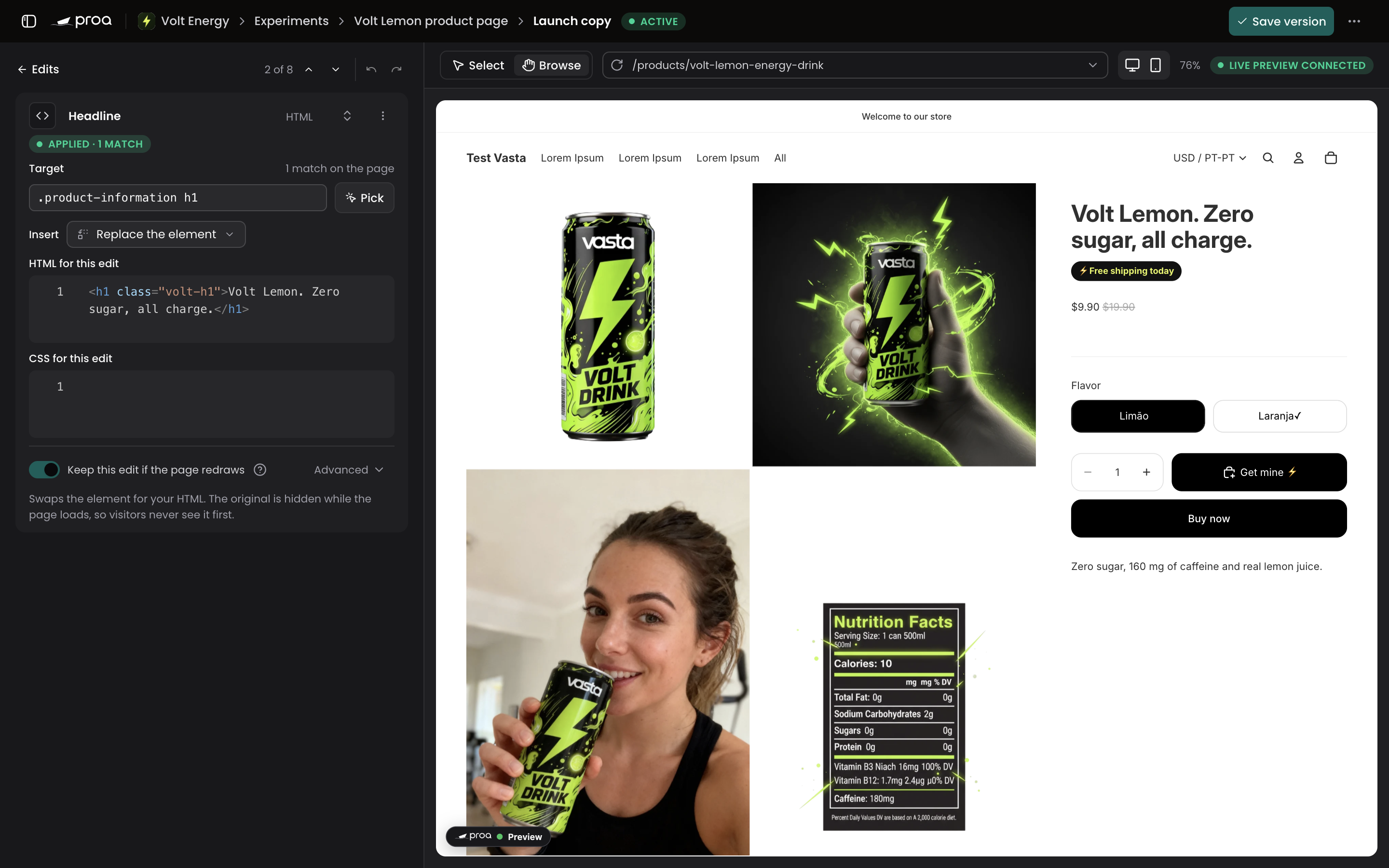
When the HTML or CSS of an edit looks broken, the edit lists each problem, such as <h1> is never closed. Its row in the list shows a warning too. You can still save the version.
Tests and customizations
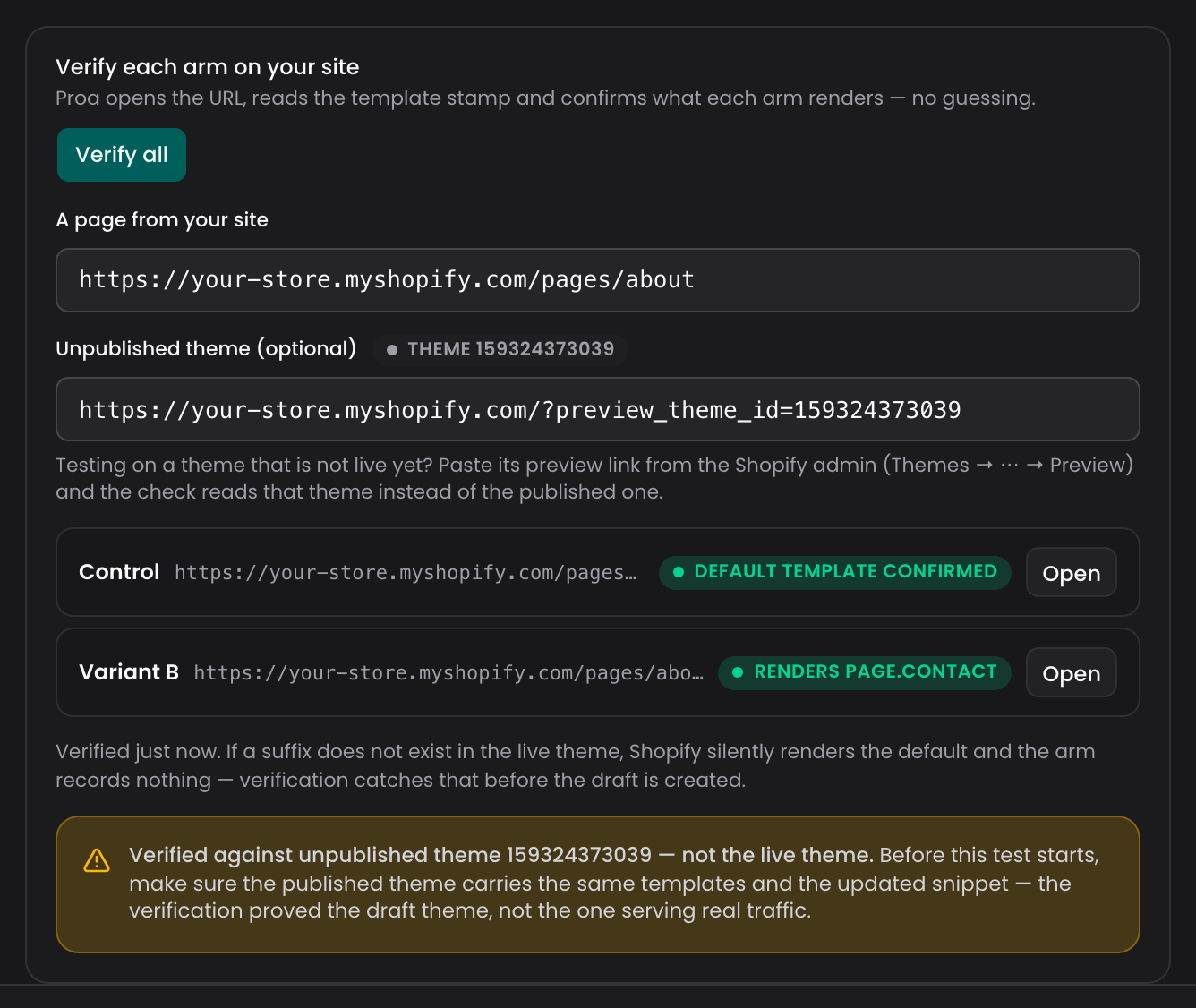
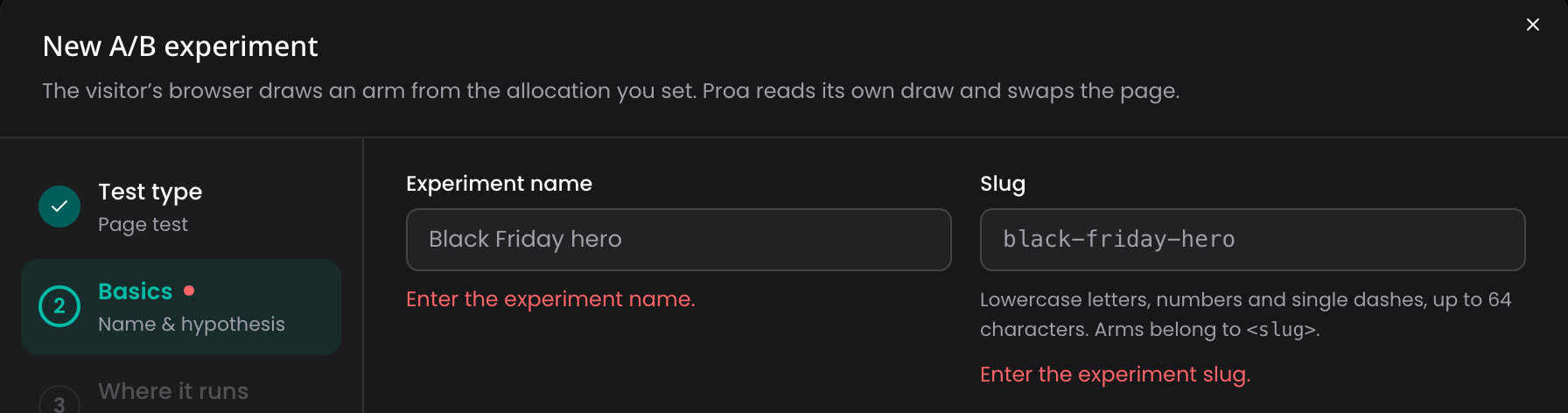
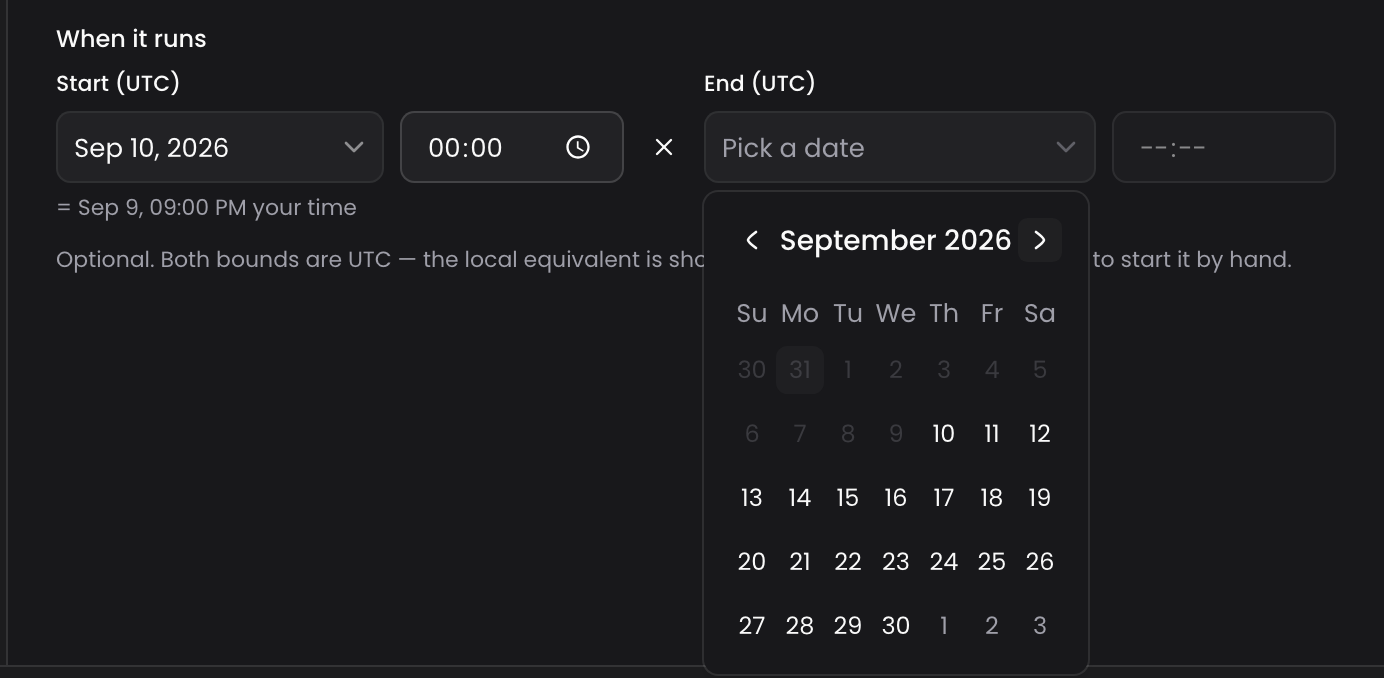
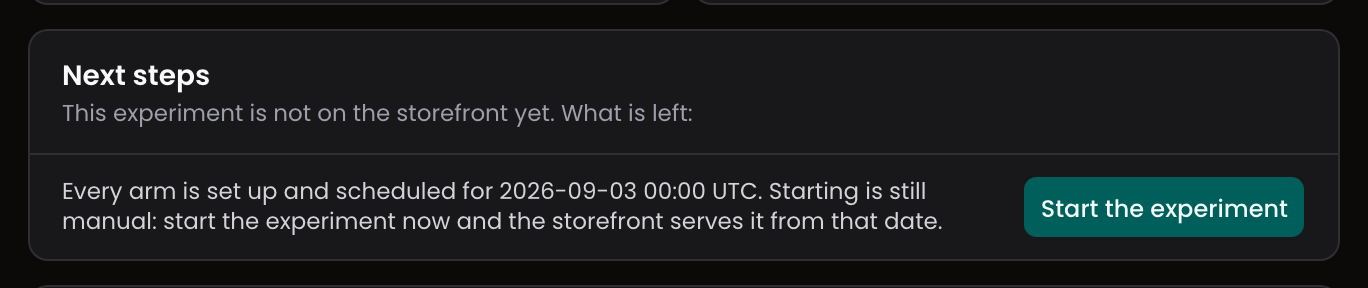
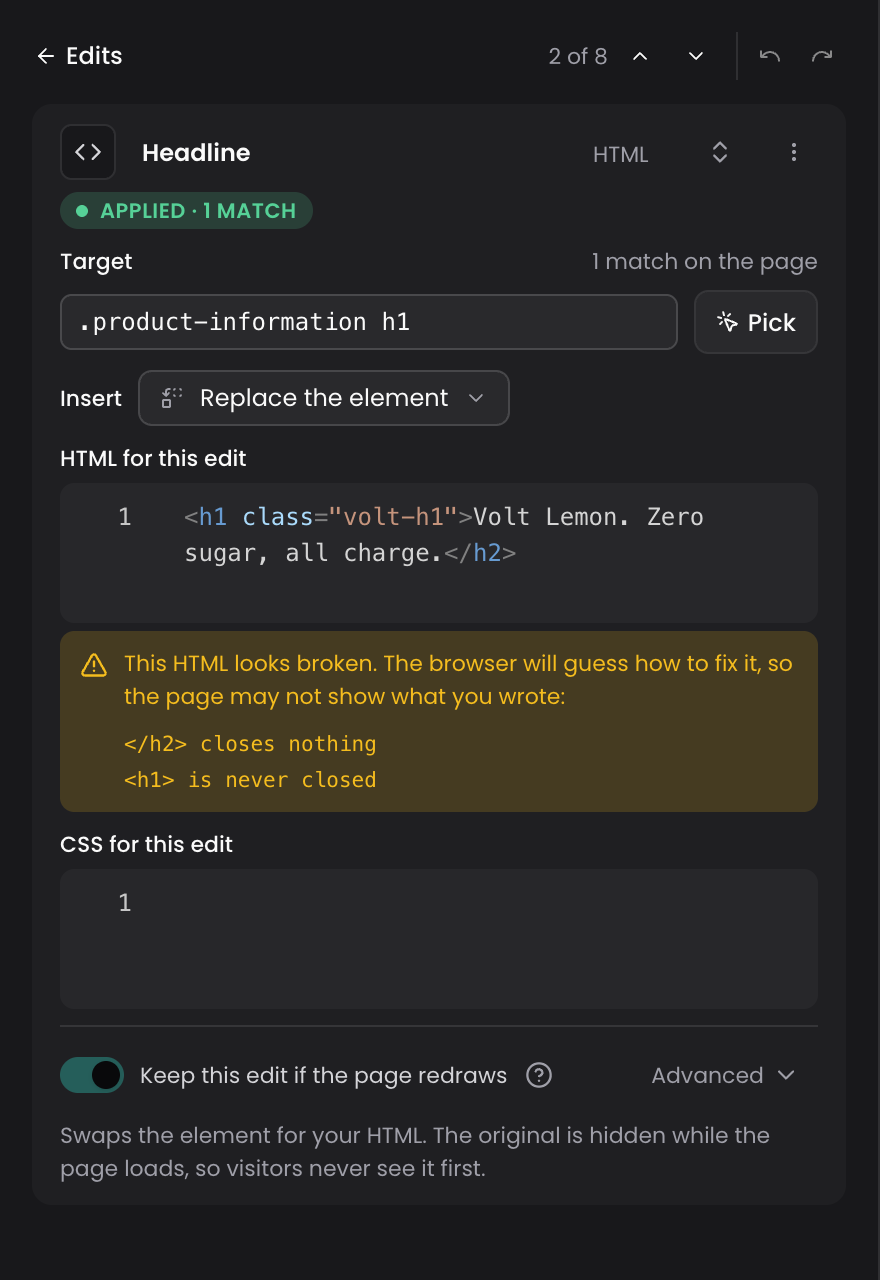
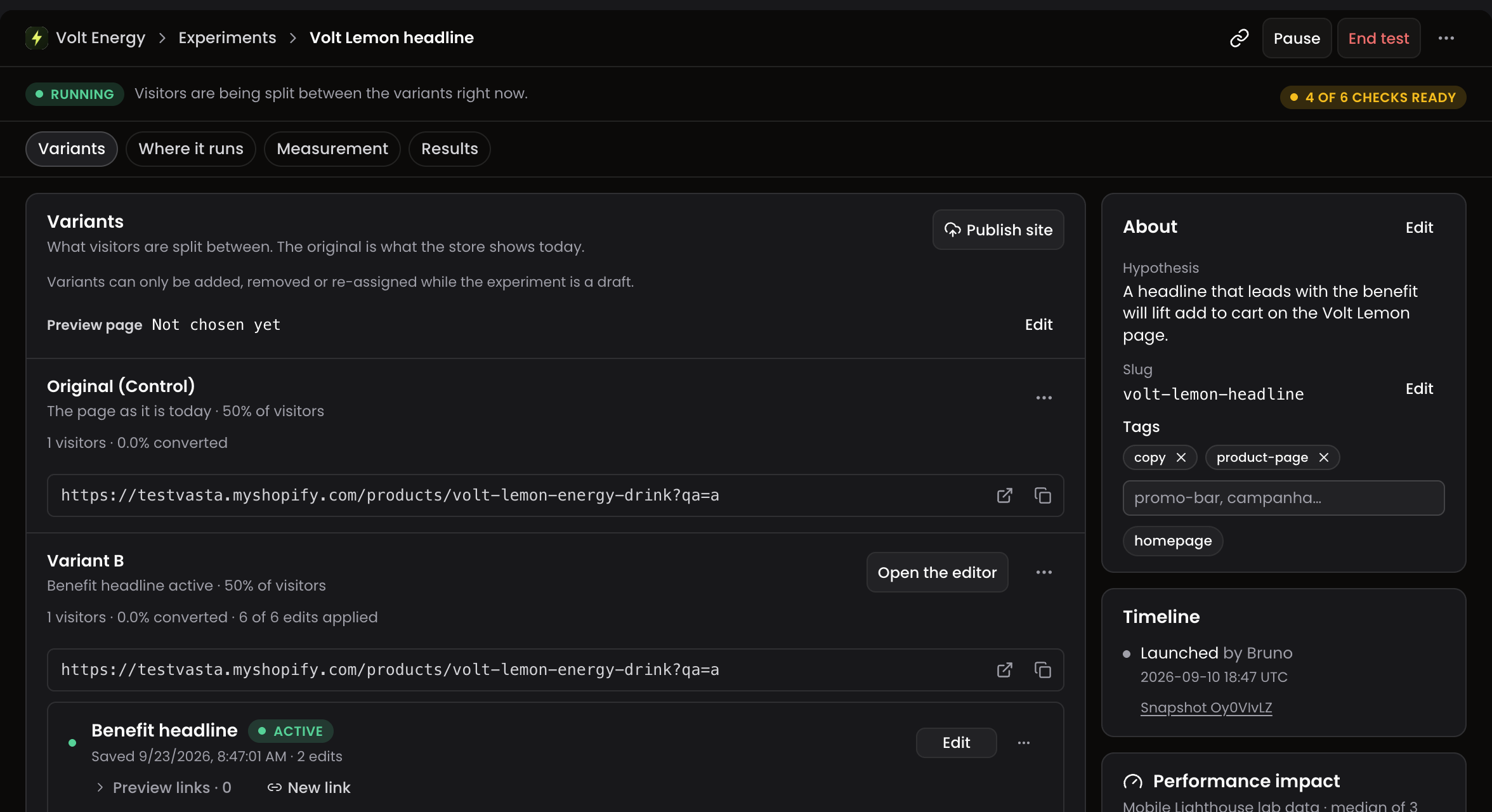
A test now opens with its state and its actions at the top, then Variants, Where it runs, Measurement and Results. Each variant lives in its own row on Variants, with its versions and Open the editor. In Where it runs, pages, visitors, the split and the schedule each have a card with Edit.
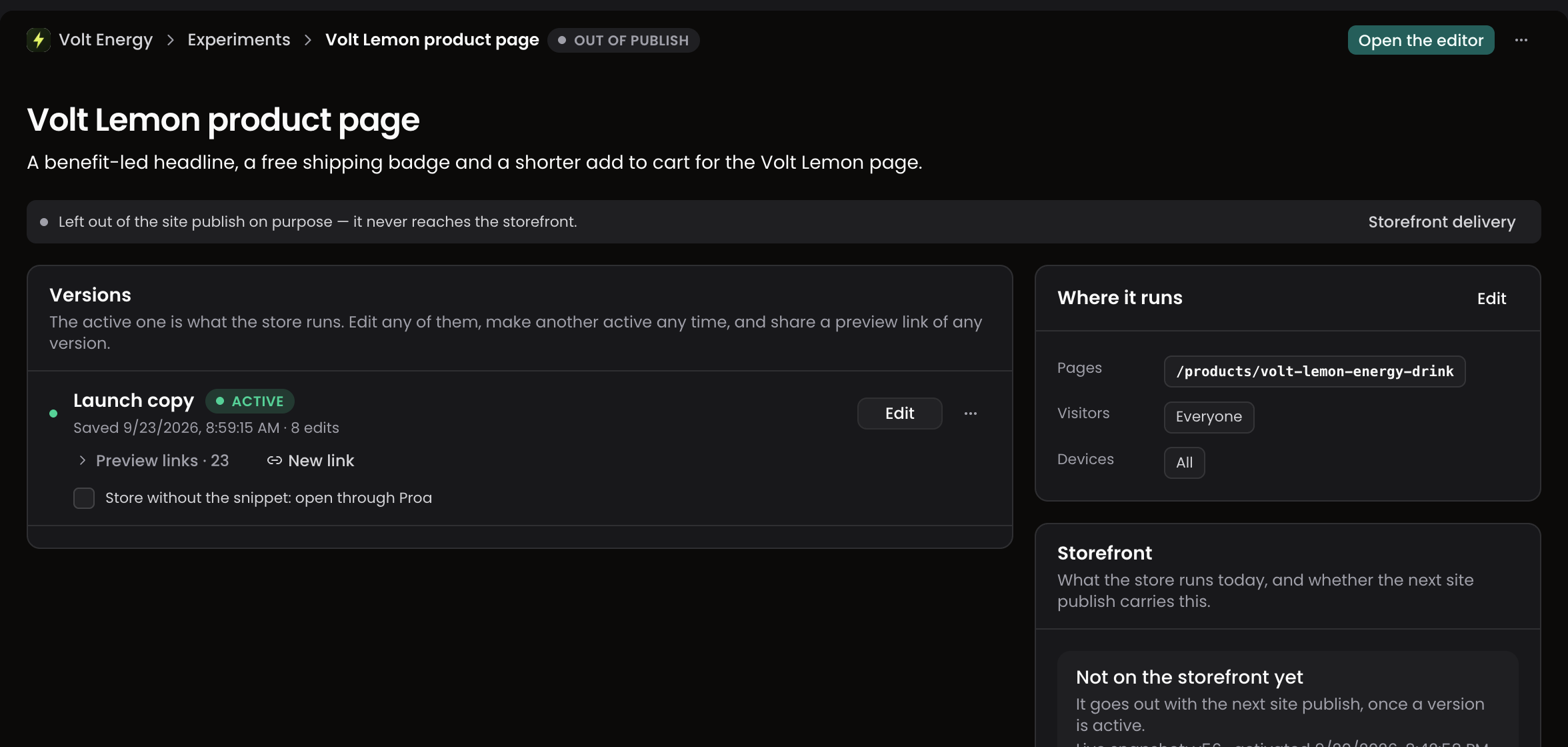
A customization shows Open the editor at the top, its versions with their preview links, and Where it runs and Storefront at the side. A new version starts from New blank version in the page menu. Preview links open five at a time.
Fixes
- The Proa preview bar and element selection now show on stores whose theme hides empty blocks, such as Dawn.
- A saved version with attribute edits no longer shows Unsaved changes.
- In the publish confirmation, Add edits on an empty variant opens its editor.